
Creating a comfortable home office on a budget is easy. Start by adding cushions for lumbar support and adjusting your chair to keep your feet flat on the floor. Optimize your desk height so your elbows form a 90-degree angle while typing. Elevate your monitor to eye level and guarantee good lighting to reduce glare. Remember to take breaks to move around and stretch. Stick around to discover more simple solutions for a better workspace.
Key Takeaways
- Use cushions or rolled towels for lumbar support to enhance comfort without needing a new chair.
- Adjust your chair height to ensure your feet rest flat on the floor for optimal posture.
- Elevate your monitor to eye level using books or stands to prevent neck strain.
- Create a footrest from solid boxes or thick books if your desk is too low.
- Take regular breaks to stretch and move, improving comfort and productivity throughout your workday.
When you’re working from home, creating an ergonomic setup doesn’t have to break the bank. You can make simple adjustments that promote good chair posture and guarantee your desk height is just right without spending a fortune. The key is to optimize what you already have and incorporate affordable solutions.
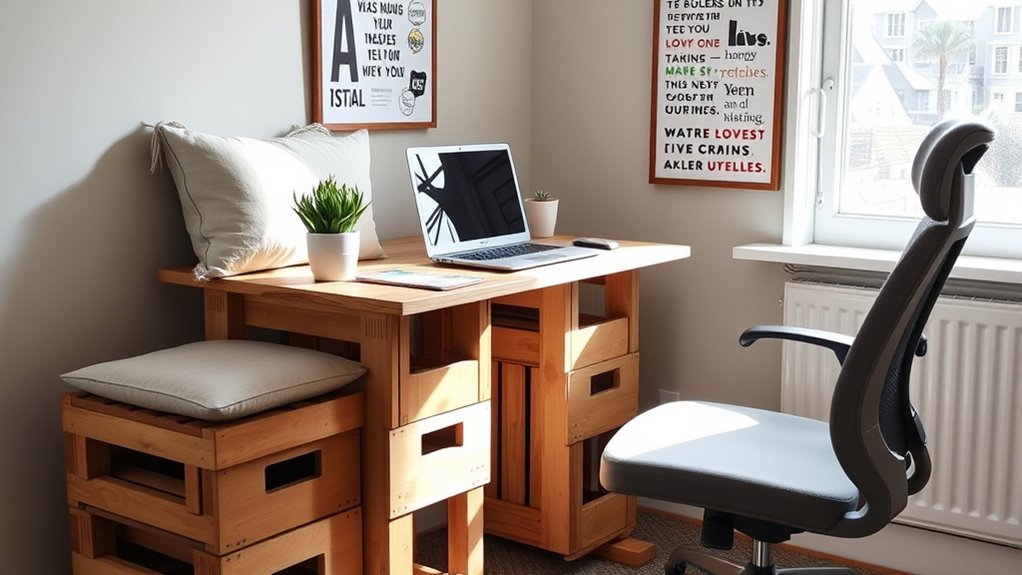
Start with your chair. Your seat plays a crucial role in your overall comfort and productivity. If you don’t have an ergonomic chair, don’t worry. You can improve your current chair’s support by adding a cushion or a rolled-up towel to provide lumbar support. Sit back and adjust your chair so that your feet rest flat on the floor. Your knees should be at about a 90-degree angle. This positioning helps maintain good chair posture, reducing strain on your back and legs.
Improving your chair’s support with simple adjustments can enhance comfort and productivity while reducing strain on your back and legs.
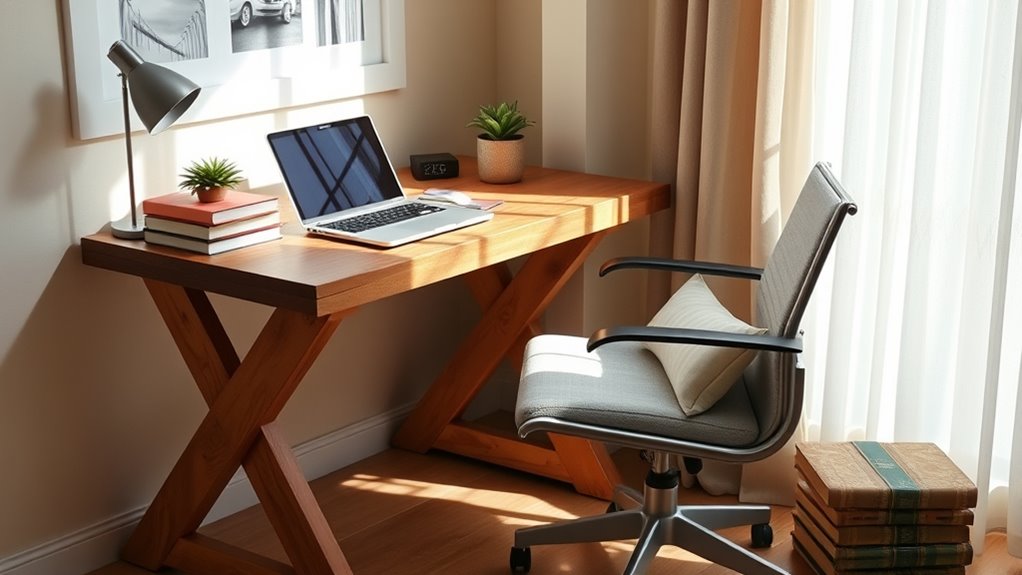
Next, take a good look at your desk height. Ideally, the desk should allow your elbows to form a 90-degree angle when you’re typing. If your desk is too high, consider using a keyboard tray or a stack of books to elevate your keyboard and mouse. This helps keep your wrists straight and minimizes the risk of repetitive strain injuries. If your desk is too low, raise your chair and use a footrest to keep your feet flat on the ground. You can DIY a footrest using a solid box or a thick book.
Monitor placement is just as important. If you’re working on a laptop, consider elevating it to eye level. This can be done simply by placing it on a stack of books or a stand. Your monitor should be about an arm’s length away and the top of the screen should be at or just below eye level. This positioning helps prevent neck strain and keeps your gaze comfortable.
Lighting is another aspect often overlooked in ergonomic setups. Make sure you have adequate lighting that reduces glare on your screen. A simple desk lamp can make a world of difference, making sure you’re not straining your eyes as you work. Additionally, having portable power banks can ensure your devices stay charged as you work without interruption.
Lastly, don’t forget to take regular breaks. Standing up, stretching, and moving around every hour can rejuvenate your body and mind. By making these small adjustments, you’ll create a comfortable workspace that enhances your productivity without breaking the bank. With just a little creativity and effort, you can achieve a fantastic ergonomic setup right at home.

Lumbar Support Pillow for Office Chair, Office Home Essentials,Gifts for Mom,Dad, Back Support Pillow for Car, Chair Cushions,Back Pain Relief Improve Posture,Mesh Cover Double Adjustable Straps
For convenience and durability, we upgraded and lengthened the straps to fit more chairs instead of adding extra…
As an affiliate, we earn on qualifying purchases.
As an affiliate, we earn on qualifying purchases.
Frequently Asked Questions
What Are the Best Budget Chairs for Home Office Ergonomics?
When you’re searching for budget chairs, consider options like the Homall Gaming Chair or the BestOffice Ergonomic Desk Chair. Both get great budget chair reviews for their comfort and support. Look for adjustable features and lumbar support to enhance your posture. For ergonomic chair tips, always try before you buy to make sure it fits your needs. Prioritizing your comfort doesn’t have to break the bank—these chairs prove that!
How Can I Improve Lighting in My Home Office Cheaply?
To improve lighting in your home office cheaply, think of it like planting a garden. Just as plants thrive with sunlight, you’ll flourish with good lighting. Start by maximizing natural light—open those curtains! For cloudy days or evenings, invest in affordable lamps that mimic daylight. Look for warm LED bulbs; they’re energy-efficient and create a cozy atmosphere. By blending natural and artificial light, you’ll create a workspace that energizes and inspires you.
Are There Any Free Resources for Ergonomic Assessments?
Yes, there are free resources for ergonomic assessments. You can find virtual assessments through various online platforms that offer ergonomic evaluations. Some ergonomic software provides free trials or basic versions that help you assess your workspace. By using these tools, you can identify adjustments that enhance your comfort and productivity. Take advantage of these resources to optimize your setup without spending any money. You’ll definitely notice the difference in your work experience!
What Are Some Common Ergonomic Mistakes to Avoid?
You might not realize it, but you could be making some common ergonomic mistakes. First, watch out for posture pitfalls; slouching or leaning too far forward can lead to discomfort. Next, avoid equipment errors like using a chair that’s too low or a monitor that’s too high. These small adjustments can make a huge difference. Take a moment to assess your setup—your body will thank you for it later!
How Often Should I Take Breaks While Working From Home?
You should take breaks every 30 to 60 minutes while working from home. Use this time to stand up, stretch, and reset your posture. Incorporating stretching routines can help relieve tension and keep your muscles engaged. It’s also a good chance for posture correction; check your alignment and adjust your workspace if needed. These short breaks not only boost productivity but also enhance your overall comfort and well-being during long work hours.

HUANUO FlowLift™ Dual Monitor Stand, Fully Adjustable Gaming Monitor Desk Mount for 13–32″ Computer Screens, Full Motion VESA 75×75/100×100 with C-Clamp & Grommet Base, Each Arm Holds 4.4 to 19.8 lbs
Compatible with Wide Screens – To ensure compatibility with the dual monitor mount, your each monitor must meet…
As an affiliate, we earn on qualifying purchases.
As an affiliate, we earn on qualifying purchases.
Conclusion
Creating a comfortable home office on a budget doesn’t have to be overwhelming. By making a few simple adjustments, like using books for monitor height or repurposing chairs, you can improve your workspace without breaking the bank. Remember, your home office is your castle, and every knight deserves a throne that supports them. So, take charge of your comfort and make these changes today—you’ll feel like you’re conquering your workday with ease and style!

Purple Adjustable Foot Rest for Under Desk at Work – Ergonomic Linen Memory Foam Footrest Pillow with Breathable Washable Cover, DIY Height Adjustment for Office Chair, Gaming, Home & Travel Use
【Ergonomic Memory Foam with 25D Density】Made from high-density 25D memory foam, this ergonomic foot rest under desk conforms…
As an affiliate, we earn on qualifying purchases.
As an affiliate, we earn on qualifying purchases.

Airlonv LED Desk Lamp for Office Home, Eye-Caring Desk Light with Stepless Dimming Adjustable Flexible Gooseneck, 10W USB Adapter Desk Lamp with Clamp for Reading, Study, Workbench (Black)
Stepless Dimming Mode: The desk light offers effortless switching of color temperatures (2700K-6500K) and stepless dimming (1% -…
As an affiliate, we earn on qualifying purchases.
As an affiliate, we earn on qualifying purchases.