
A portable monitor is a game-changer for your hybrid work and travel needs. It boosts your productivity by expanding screen space and makes multitasking easier—handling emails, documents, and video calls seamlessly. Look for lightweight, durable designs with quick setup features like USB-C or HDMI. Proper placement and ergonomic setup can reduce strain during long work sessions. Keep exploring to discover how to choose the best options for your needs and enhance your workflow on the go.
Key Takeaways
- Prioritize lightweight, slim designs with durable build quality for easy portability during travel.
- Choose monitors with high-resolution displays, anti-glare coatings, and reliable connectivity options like USB-C or HDMI.
- Ensure ergonomic features such as adjustable stands or foldable setups to promote healthy posture.
- Opt for models with long battery life or seamless power options to support uninterrupted work sessions.
- Consider compatibility with various devices and quick setup features to maximize productivity on the go.
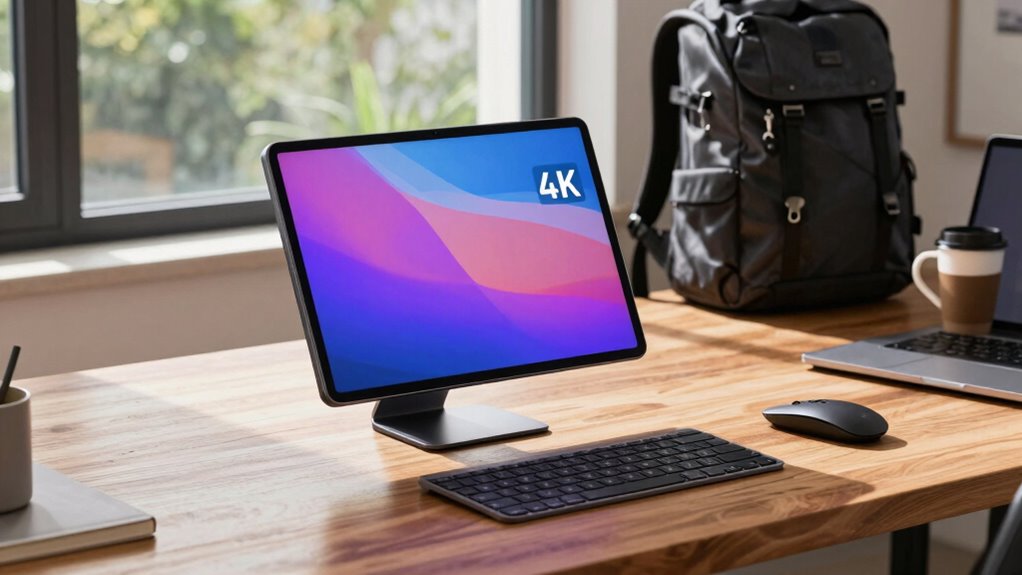
In today’s mobile and hybrid work environments, having a portable monitor can considerably boost your productivity on the go. When you’re constantly shifting between locations, a portable display offers a practical solution to extend your screen space without the bulk of traditional monitors. This extra screen real estate allows you to multitask more efficiently, whether you’re managing emails, editing documents, or participating in video calls. Plus, with the right setup, you can create ergonomic setups that reduce strain and improve your overall comfort during long work sessions, which directly contributes to productivity enhancement.
Choosing a portable monitor that’s lightweight and easy to carry is essential for seamless travel. Look for models with slim profiles, durable build quality, and features like a kickstand or foldable design, so you can quickly set up your workspace wherever you are. Many monitors now include features such as USB-C or HDMI connectivity, enabling quick connections to your laptop or mobile device without needing extra adapters. This simplicity means you spend less time fiddling with cables and more time focusing on your work.
When setting up your portable monitor, prioritize ergonomic considerations. Position the display at eye level to prevent neck strain and keep your posture aligned. An adjustable stand or an external mount can help you achieve this, fostering ergonomic setups that support sustained productivity while minimizing discomfort. Proper placement of your monitor can make a significant difference, especially during extended work periods, reducing fatigue and keeping you focused. Additionally, understanding the ergonomic principles of monitor placement can further enhance your comfort and prevent long-term strain. Incorporating ergonomic practices into your workspace setup can also help sustain your energy levels and reduce overall fatigue during long work hours.
The right portable monitor also enhances your overall workflow by providing a clear, crisp display that promotes productivity enhancement. Look for high-resolution screens with good color accuracy and sufficient brightness, especially if you work outdoors or in variable lighting conditions. Features like anti-glare coatings can further improve visibility and reduce eye strain. A monitor with a reliable battery life or one that can be powered via your laptop helps ensure continuous operation when you’re away from power sources. Additionally, choosing a monitor with durable build quality ensures it can withstand the rigors of travel and frequent use, making it a dependable companion for your mobile work needs.
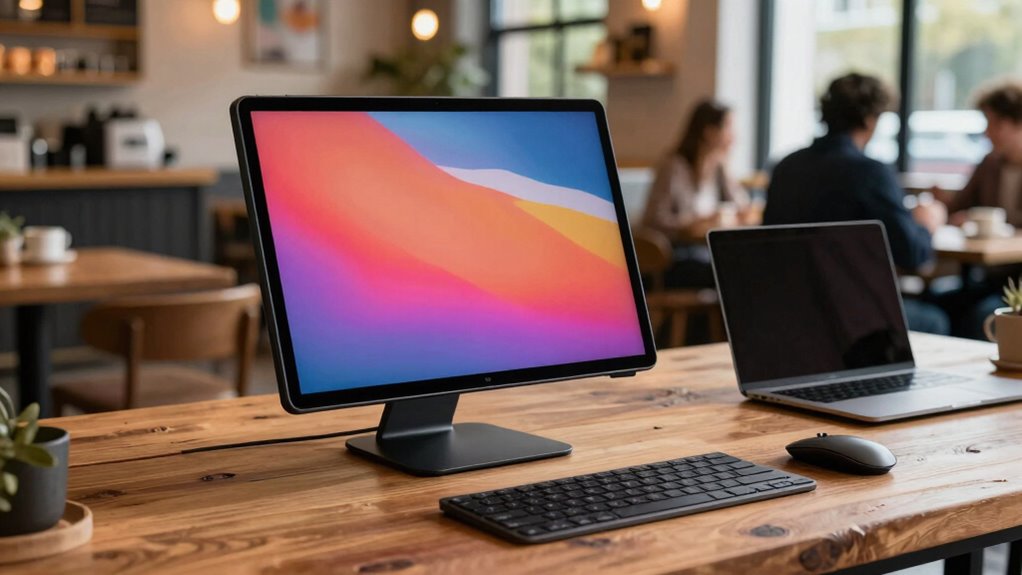
Ultimately, investing in a quality portable monitor equips you to maintain high productivity levels regardless of your location. It allows you to adapt your workspace to fit your needs, creating ergonomic setups that promote comfort and efficiency. Whether you’re traveling for business or working remotely from a café, a portable monitor is a valuable tool that enhances your ability to work effectively, making your hybrid work lifestyle smoother and more productive.

MNN Portable Monitor 15.6inch FHD 1080P USB C HDMI Gaming Ultra-Slim IPS Display w/Smart Cover & Speakers,HDR Plug&Play, External Monitor for Laptop PC Phone Mac (15.6'' 1080P)
Full HD Portable Monitor – MNN 15.6inch portable laptop monitor with 1920*1080 resolution, advanced IPS matte screen support…
As an affiliate, we earn on qualifying purchases.
As an affiliate, we earn on qualifying purchases.
Frequently Asked Questions
How Do Portable Monitors Affect Battery Life of My Devices?
Portable monitors can slightly impact your device’s battery life since they draw power, but good battery optimization and efficient power management can minimize this effect. When you connect a portable monitor, your device works harder, so it uses more energy. To preserve battery life, turn off the monitor when not in use, reduce brightness, or disconnect it if you need to save power. These steps help maintain your device’s longevity.
Are There Privacy Concerns With Portable Monitors in Public Spaces?
Yes, there are privacy concerns with portable monitors in public spaces. Studies show that over 60% of mobile workers worry about privacy risks when working remotely. Public exposure can lead to sensitive information being seen by strangers, increasing risks of data theft or accidental disclosure. To stay secure, always shield your portable monitor with a privacy screen and be mindful of your surroundings, especially in crowded or unsecured areas.
Can Portable Monitors Be Used With Gaming Consoles?
Yes, you can use portable monitors with gaming consoles. Many portable monitors support gaming compatibility and come with HDMI or USB-C ports, making console connectivity easy. Just make certain the monitor’s input options match your console’s output. Keep in mind, some monitors may have latency or refresh rate limitations, so check the specifications for ideal gaming performance. This way, you get a portable, versatile gaming setup wherever you go.
What Are the Best Portable Monitors for Outdoor Use?
You’ll want a portable monitor with outdoor screen durability and sunlight readability, especially if you’re often outside. The best options include models with anti-glare coatings and high brightness levels, helping you see clearly even in direct sunlight. Look for rugged designs with sturdy construction and weather-resistant features. These monitors keep up with your outdoor adventures, ensuring you stay connected and productive no matter where you are.
Do Portable Monitors Require Special Software or Drivers?
Portable monitors typically don’t require special software or drivers, especially if they use standard connections like HDMI or USB-C. You usually just need to guarantee software compatibility with your device’s operating system, which is often straightforward. Driver installation isn’t usually necessary, but some models might benefit from specific drivers for peak performance. Always check the manufacturer’s instructions to confirm whether any driver installation or updates are recommended for your portable monitor.
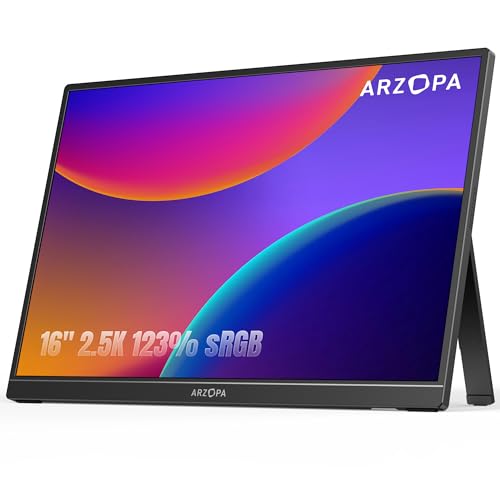
ARZOPA 16" 2.5K Portable Monitor, 2560×1600 QHD IPS Display 123% sRGB with Built-in Stand USB-C HDMI Eye Care External Second Screen for Mac Laptop Phone PS4/5 Xbox Switch -Z1RC
Brilliant 2.5K QHD Display: Experience vibrant colors, deep blacks, and detailed images with our 2560*1600 high-resolution monitor. Enjoy…
As an affiliate, we earn on qualifying purchases.
As an affiliate, we earn on qualifying purchases.
Conclusion
Imagine yourself effortlessly gliding through airports or settling into cozy coffee shops, your portable monitor by your side, ready to turn any space into your productive workspace. With the right choice, you’ll feel the smooth flow of work and leisure blending seamlessly, like a well-composed symphony. As you pack up your sleek device, you’ll know that wherever your journey takes you, your workspace travels with you—ready to inspire, create, and connect.

Urmust Portable Monitor Stand 15.6", iPad Stand for Desk, Portable Monitor Holder up to 18.5" Holds, Adjustable Desktop Tablet Arm Mount, Apple iPad Holder for Desk, for 4.7"-12.9" i Pad Pro/Air/Mini
For Tabletop Use Only: This portable monitor mount is designed for flat, stable surfaces such as desks or…
As an affiliate, we earn on qualifying purchases.
As an affiliate, we earn on qualifying purchases.
MNN Portable Monitor 15.6inch FHD 1080P USB C HDMI Gaming Ultra-Slim IPS Display w/Smart Cover & Speakers,HDR Plug&Play, External Monitor for Laptop PC Phone Mac (15.6'' 1080P)
Full HD Portable Monitor – MNN 15.6inch portable laptop monitor with 1920*1080 resolution, advanced IPS matte screen support…
As an affiliate, we earn on qualifying purchases.
As an affiliate, we earn on qualifying purchases.